

YouTube is officially expanding its in-app direct messaging feature to the United States and other global locations, bringing the total to 40 supported countries. This feature allows people to chat and share videos without leaving the platform.
Who Can Use It?
- Age Requirement: You must be 18 years or older.
- Account Requirement: You need to be signed into a YouTube channel.
- Device: The feature is currently rolling out on the YouTube mobile app.
How to message on youtube
To prevent spam, you cannot randomly message people. Instead, the feature uses an invitation system:
- Find the Icon: Look for the new messaging icon in the top right corner of your app (or under your notification bell).
- Send an Invite: Create an invite link and send it to a friend through an external app like WhatsApp, Telegram, or text message.
- Connect: Once your friend clicks the link and accepts the invite, you can start sharing videos, Shorts, and text messages directly inside YouTube.
Key Details to Keep in Mind
- What you can send: Text messages, public videos, Shorts, and live streams. You cannot send personal photos, files, or GIFs right now.
- Control and Safety: You can unsend individual messages, block users, or delete entire chat conversations at any time.
- Rules: All chats must follow YouTube’s Community Guidelines. To keep the platform safe, chats are not end-to-end encrypted and may be scanned by YouTube systems for harmful content.
If you don’t see the feature on your phone yet, make sure your app is updated to the latest version, as YouTube is rolling this out gradually to all eligible users.
READ MORE FROM BEST PRODUCTS

Vivo X Fold 6 Revealed
The latest leaks and official teasers for the Vivo X Fold 6 give a pretty…
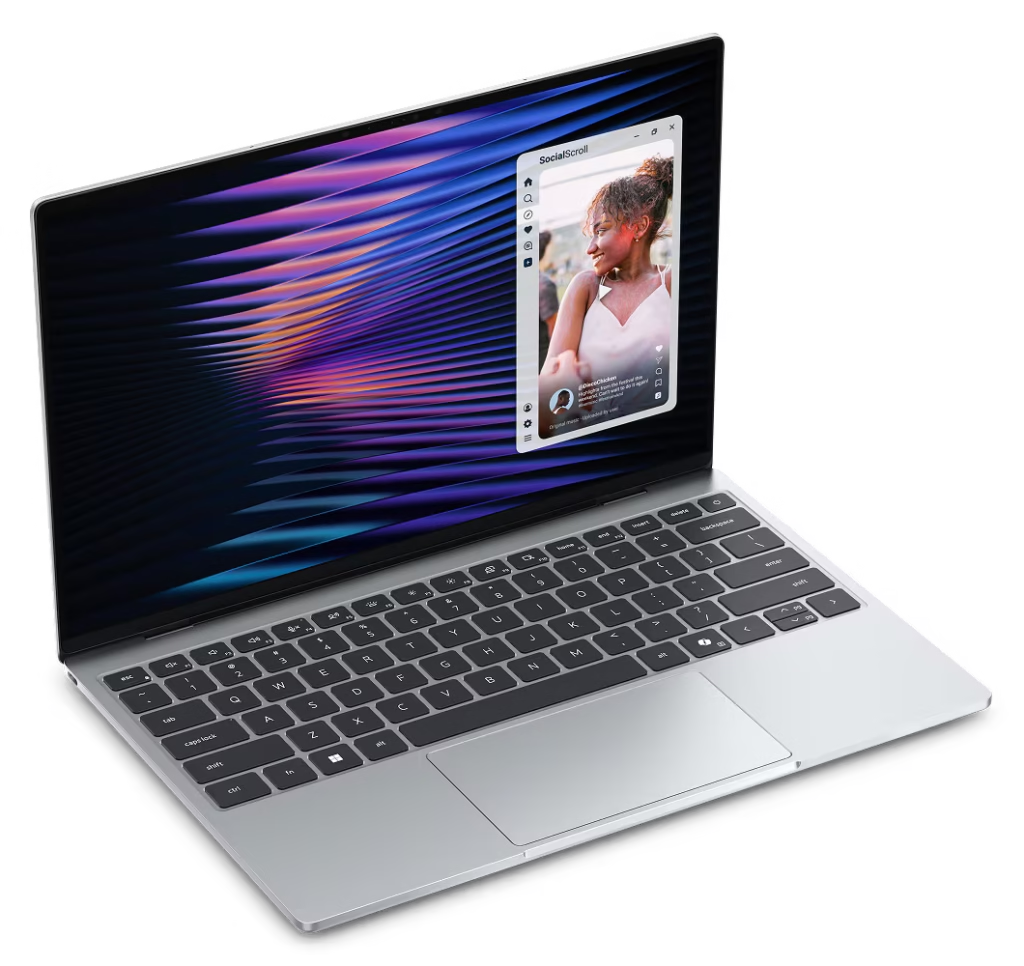
New Dell XPS 13
For a long time, the unwritten rule of buying a laptop was that a lower…

ASUS Laptop Lineup Explained
The brand ASUS makes everything from budget-friendly devices to high-end machines. Because they organize their…

Best Laptop Brands: 2026 Review
If you are looking for the best laptop brands, here is a review of the…

Vivo X300 Ultra Makes Its Grand Debut
Vivo has officially introduced its new flagship, the Vivo X300 Ultra, a phone built specifically…

Samsung Galaxy AI Features
The Samsung Galaxy S26 series introduces a suite of samsung galaxy ai features designed to…

New MacBook Pro Review: The M5 Pro and M5 Max
New MacBook Pro Review Apple recently updated the MacBook Pro lineup, introducing the M5 Pro…

AirPods Max 2: Features and Specifications
Apple has officially introduced the second generation of its over-ear headphones, the AirPods Max 2….

Apple’s new Studio Display and Studio Display XDR
Apple expanded its desktop lineup with two new monitors: the updated Studio Display and the…

Apple Introduces MacBook Neo
Apple has officially expanded its laptop lineup with the introduction of the MacBook Neo. Positioned…

Samsung galaxy s26 ultra vs s26+ vs s26
Samsung has officially introduced its latest flagship lineup, the Galaxy S26 series, comprising the Samsung…

Samsung unveils new Galaxy S26 phones
Samsung has officially unveiled the Galaxy S26 series, marking the third generation of its AI-driven…
Leave a Reply