

The Samsung Galaxy S26 series introduces a suite of samsung galaxy ai features designed to simplify the small, repetitive tasks that usually clutter our digital lives. Rather than requiring you to bounce between different apps, these tools are built to work in the background, making the phone feel like a helpful assistant.
Proactive Planning with Now Nudge
One of the new additions is “Now Nudge.” This feature pays attention to what you are doing on your screen to offer help at the right time. For example, if you are texting a friend about meeting up, the phone recognizes the date and time mentioned. It can then show your calendar and offer to create an event without you having to leave the messaging app. It also works with your photos and notes; if someone asks for pictures from a specific trip, it can suggest the right images from your gallery or pull up a list of locations you saved in your notes earlier.
Streamlined Tasks via Google Gemini
The integration with Google Gemini takes things a step further by handling multi-step actions through simple voice or text commands. If you are in a rush, you can long-press the side button and ask the phone to book a ride to your destination. Instead of you opening an app, typing in the address, and selecting the car type, the AI prepares the ride for you, leaving you only to give the final approval.
Natural Language Photo Editing
Editing photos has traditionally required a bit of technical knowledge, but the updated Photo Assist changes that by using natural language. You can simply tell the phone what you want to change. If a photo of your dinner was ruined because someone took a bite too early, you can ask the AI to “restore the bite,” and it fills in the missing part of the meal. You can also ask to change the lighting, such as turning a daytime landscape into a night scene, and you can easily go back to previous versions if you change your mind.
Creative Tools and Organization
- Creative Studio: Accessible from the side of your screen (the Edge Panel), this allows you to turn rough sketches or simple prompts into polished visuals, like custom stickers or wallpapers, all in one place.
- Document Scan: This is now built directly into the camera. It’s smart enough to recognize a piece of paper, remove distortions like creases or a stray finger in the frame, and combine multiple pages into a single, clean PDF.
Final Thoughts
The samsung galaxy ai features on the S26 series represent a move away from “feature-heavy” phones toward a more “agentic” experience. In simpler terms, the phone is starting to act less like a digital toolbox and more like a personal assistant that understands context.
The galaxy ai features on the S26 series show a shift toward “agentic” AI—tools that don’t just wait for you to ask for help, but actively try to save you time.
Features like Now Nudge and the deeper Google Gemini integration show that Samsung is prioritizing flow—These tools are most effective when they handle the background logistics that usually require switching between multiple apps.
If you’re someone who spends a lot of time organizing plans or creating content, these updates offer a genuine way to cut down on digital work and get back to what you actually enjoy doing.
Ultimately, the S26 series succeeds in making AI feel useful for everyday life rather than just a technical showcase, provided you are comfortable with the level of integration required to make it work.
READ MORE FROM BEST PRODUCTS

Valve launches Steam Machine gaming PC
Valve has officially announced the launch details, pricing, and reservation plans for its new Steam…

samsung galaxy s26 ultra vs google pixel 10 pro xl
Both the Samsung Galaxy S26 Ultra and the Google Pixel 10 Pro XL are high-end…

What You Need to Know About the New Google Home Speaker
Google is launching a new smart speaker called the Google Home Speaker, and it is…

Galaxy Book6 Edge Now Available: What to Know
Samsung has released its new laptop, the Galaxy Book6 Edge, in the United States. It…
Samsung Galaxy Z Fold 8: Release Date, Leaks, Features
Recent leaks give us a clear picture of what to expect from Samsung’s next big…

Surface Laptop 5: Specs and Features
Microsoft Surface Laptop 5 focuses on reliable everyday performance and clean aesthetics. The physical build…
How to connect airpods 4 to laptop
Connecting your AirPods 4 to a laptop is a pretty straightforward process, whether you’re using…

You Can Now Message Friends Directly on YouTube
YouTube is officially expanding its in-app direct messaging feature to the United States and other…

Vivo X Fold 6 Revealed
The latest leaks and official teasers for the Vivo X Fold 6 give a pretty…
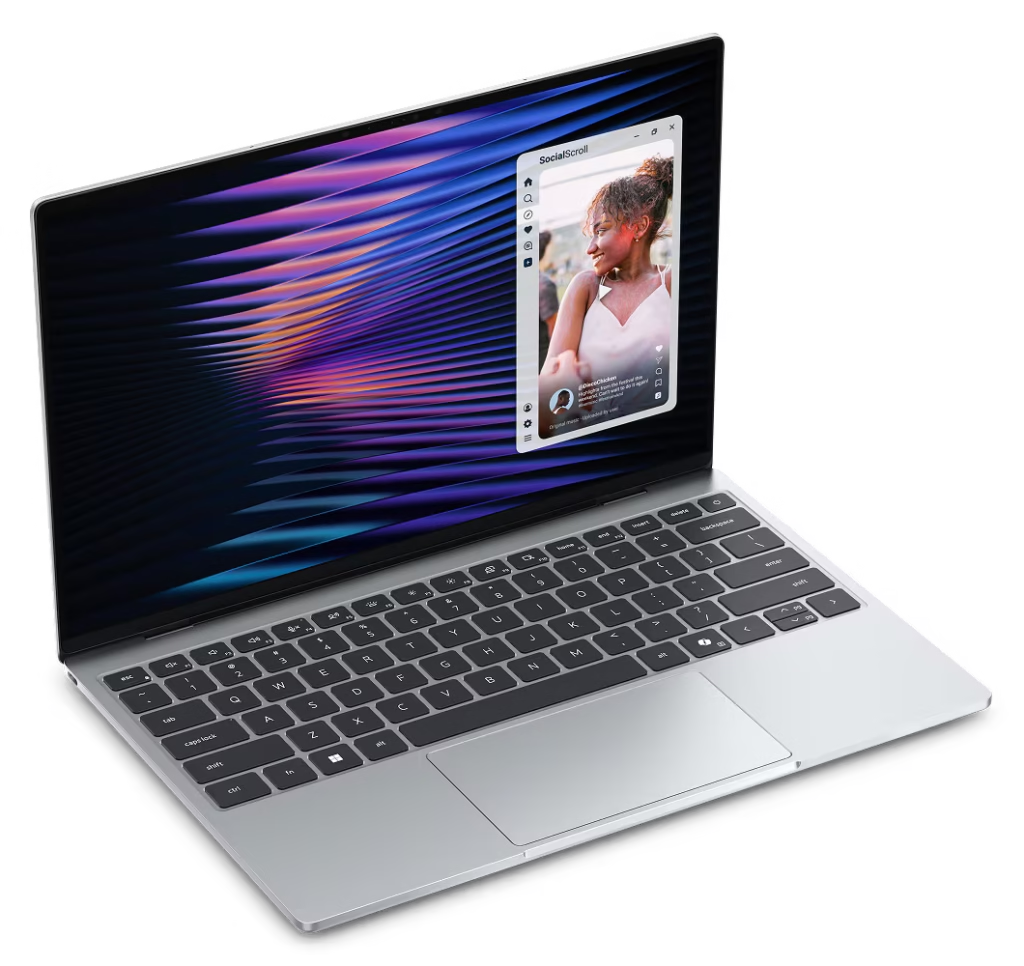
New Dell XPS 13
For a long time, the unwritten rule of buying a laptop was that a lower…

ASUS Laptop Lineup Explained
The brand ASUS makes everything from budget-friendly devices to high-end machines. Because they organize their…

Best Laptop Brands: 2026 Review
If you are looking for the best laptop brands, here is a review of the…

You Can Finally Change Your Gmail Username
If you created your Gmail account years ago, you might be stuck with a username…

Vivo X300 Ultra Makes Its Grand Debut
Vivo has officially introduced its new flagship, the Vivo X300 Ultra, a phone built specifically…

New MacBook Pro Review: The M5 Pro and M5 Max
New MacBook Pro Review Apple recently updated the MacBook Pro lineup, introducing the M5 Pro…

AirPods Max 2: Features and Specifications
Apple has officially introduced the second generation of its over-ear headphones, the AirPods Max 2….

Apple’s new Studio Display and Studio Display XDR
Apple expanded its desktop lineup with two new monitors: the updated Studio Display and the…

Apple Introduces MacBook Neo
Apple has officially expanded its laptop lineup with the introduction of the MacBook Neo. Positioned…

Samsung galaxy s26 ultra vs s26+ vs s26
Samsung has officially introduced its latest flagship lineup, the Galaxy S26 series, comprising the Samsung…

Samsung unveils new Galaxy S26 phones
Samsung has officially unveiled the Galaxy S26 series, marking the third generation of its AI-driven…
Leave a Reply