

If you created your Gmail account years ago, you might be stuck with a username that you wanted to change from long time. Google has some good news: a long-awaited feature is finally rolling out that allows users to change their Gmail username without having to start over.
This update, which began its initial rollout last year, is now available to all Google Account users in the U.S. It’s designed to help your digital identity grow with you, making it easier to maintain a professional or more current presence across all Google services.
What Exactly Changes?
When we talk about changing your username, we’re referring to the part of your email address that comes before @gmail.com. This is the unique identifier you use to sign in to your Google Account and access services like Gmail, Google Photos, Google Drive, and more.
Step-by-Step: How to Change Your Username
The process is straightforward and can be done directly from your account settings. Here’s how you can check if the feature is available for you and how to use it:
- Access Your Settings: Go to your Google Account settings on your device.
- Navigate to Personal Info: Once in settings, tap on the “Personal info” tab.
- Find Your Email Settings: Look for the “Email” section and then tap on “Google Account email”.
- Check for the Update: If the feature has rolled out to your account, you’ll see an option that says “Change Google Account email.” Tap it to proceed.
- Choose Your New Username: Type in your desired new username. It must be unique, so you may need to try a few variations if your first choice is already taken.
Important Things to Keep in Mind
Before you make the switch, there are a few key details to remember:
- Your Old Emails Are Safe: You don’t need to worry about losing your history. Your original Gmail address will remain on your account as an alternate address. This means you’ll still receive any emails sent to your old username.
- Time Limits Apply: Choose your new username carefully! Google currently only allows you to create one new address every 12 months.
- Check Your Settings: Since this is a gradual rollout, it’s a good idea to check your settings periodically to see if the update has hit your account yet.
This simple change offers a much-needed level of flexibility for long-time Google users.
READ MORE FROM BEST PRODUCTS

LG StanbyME 2 Max: Portable 4K Screen
LG Electronics has expanded its lifestyle screen lineup with the introduction of the LG StanbyME…
how to fix laptop overheating
Overheating is a common yet critical issue that can significantly degrade a laptop’s performance. Laptops…

Valve launches Steam Machine gaming PC
Valve has officially announced the launch details, pricing, and reservation plans for its new Steam…

samsung galaxy s26 ultra vs google pixel 10 pro xl
Both the Samsung Galaxy S26 Ultra and the Google Pixel 10 Pro XL are high-end…

What You Need to Know About the New Google Home Speaker
Google is launching a new smart speaker called the Google Home Speaker, and it is…

Galaxy Book6 Edge Now Available: What to Know
Samsung has released its new laptop, the Galaxy Book6 Edge, in the United States. It…
Samsung Galaxy Z Fold 8: Release Date, Leaks, Features
Recent leaks give us a clear picture of what to expect from Samsung’s next big…
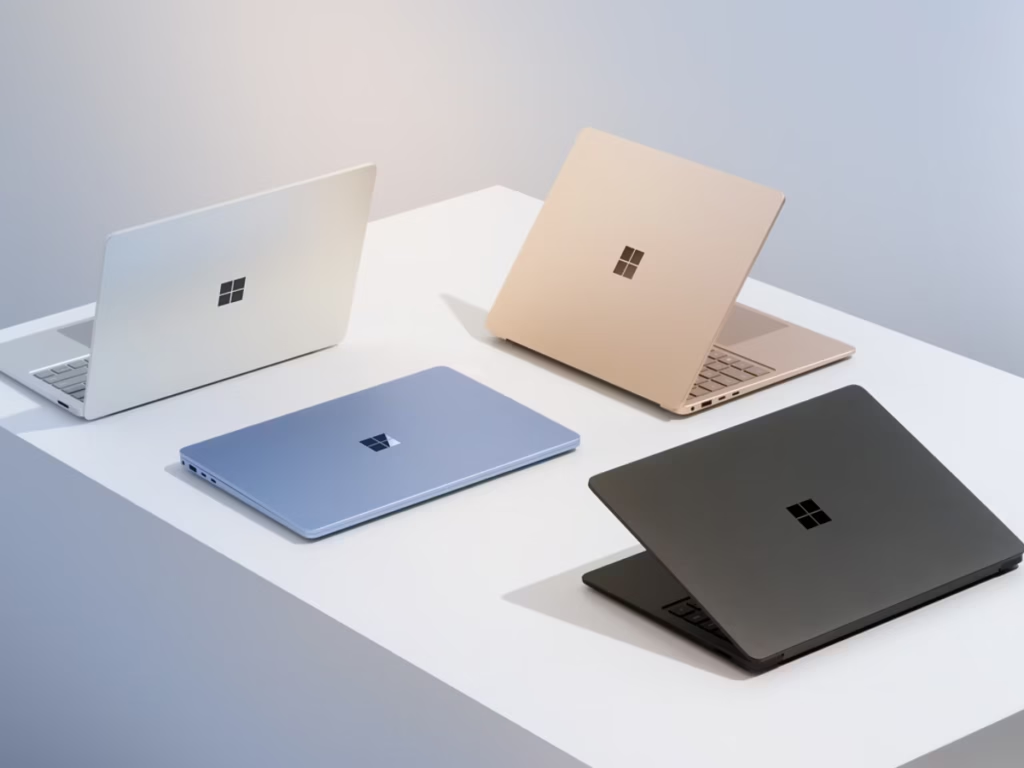
Surface Laptop 5: Specs and Features
Microsoft Surface Laptop 5 focuses on reliable everyday performance and clean aesthetics. The physical build…
How to connect airpods 4 to laptop
Connecting your AirPods 4 to a laptop is a pretty straightforward process, whether you’re using…

You Can Now Message Friends Directly on YouTube
YouTube is officially expanding its in-app direct messaging feature to the United States and other…

Vivo X Fold 6 Revealed
The latest leaks and official teasers for the Vivo X Fold 6 give a pretty…
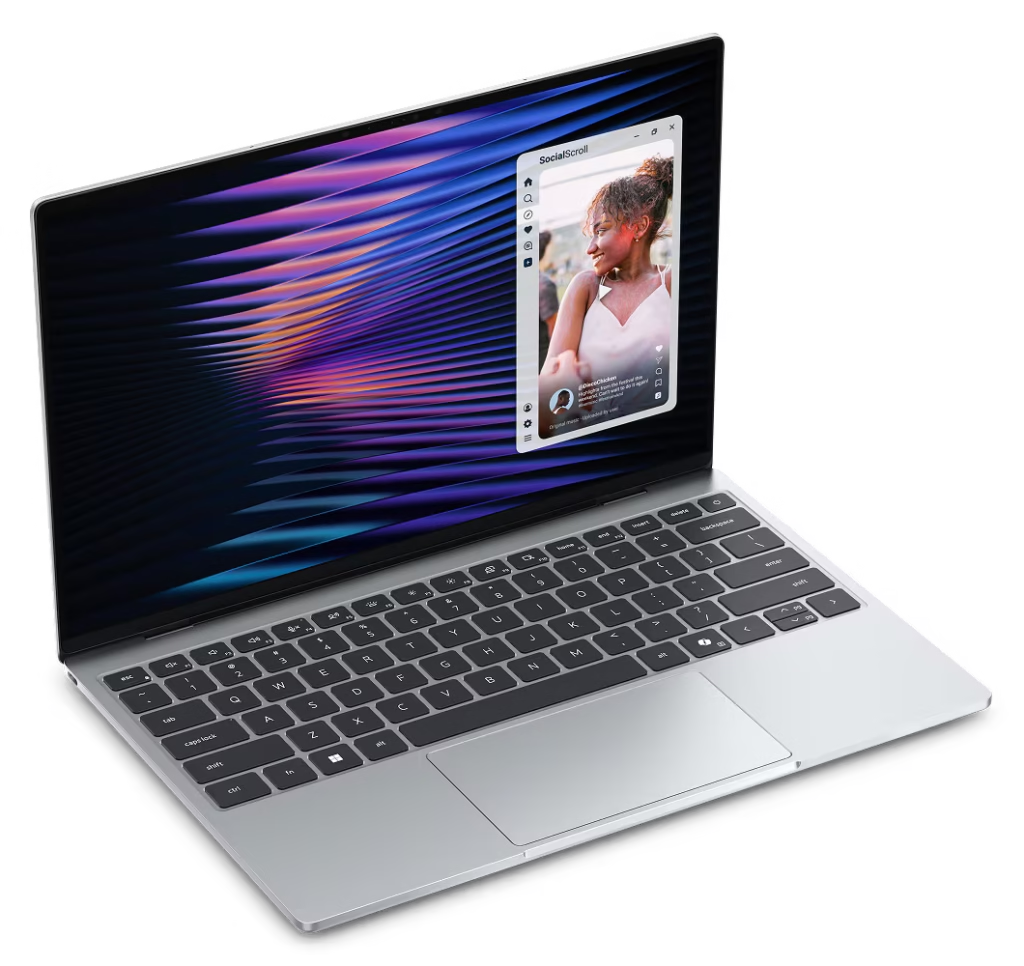
New Dell XPS 13
For a long time, the unwritten rule of buying a laptop was that a lower…

ASUS Laptop Lineup Explained
The brand ASUS makes everything from budget-friendly devices to high-end machines. Because they organize their…

Best Laptop Brands: 2026 Review
If you are looking for the best laptop brands, here is a review of the…

Vivo X300 Ultra Makes Its Grand Debut
Vivo has officially introduced its new flagship, the Vivo X300 Ultra, a phone built specifically…

Samsung Galaxy AI Features
The Samsung Galaxy S26 series introduces a suite of samsung galaxy ai features designed to…

New MacBook Pro Review: The M5 Pro and M5 Max
New MacBook Pro Review Apple recently updated the MacBook Pro lineup, introducing the M5 Pro…

AirPods Max 2: Features and Specifications
Apple has officially introduced the second generation of its over-ear headphones, the AirPods Max 2….

Apple’s new Studio Display and Studio Display XDR
Apple expanded its desktop lineup with two new monitors: the updated Studio Display and the…

Apple Introduces MacBook Neo
Apple has officially expanded its laptop lineup with the introduction of the MacBook Neo. Positioned…
Leave a Reply